
Adding an Undergraduate Research Opportunity
This caption describes the image above.
This caption describes the image above.
This caption describes the image above.
This caption describes the image above.
Step One: Access the Edit Page
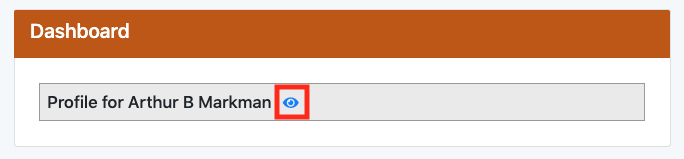
Click on the blue eye icon on your Web Editor Dashboard.
Step Two: Navigate to UG Research Tab
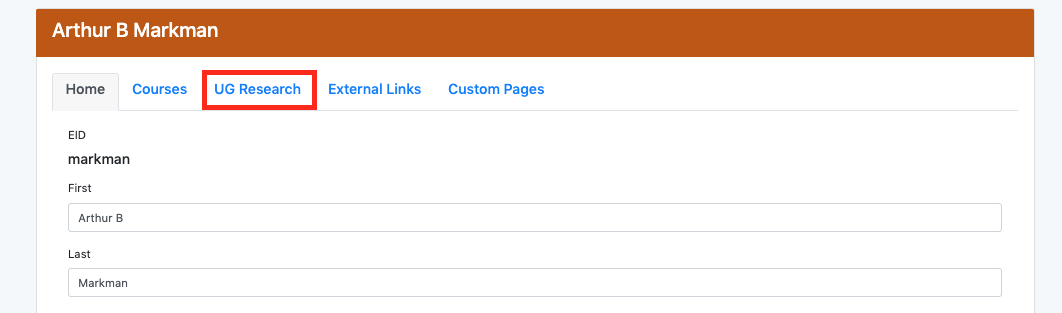
Click on the UG Research tab. You should see a list of all your UG Research.
Step Three: Click Add
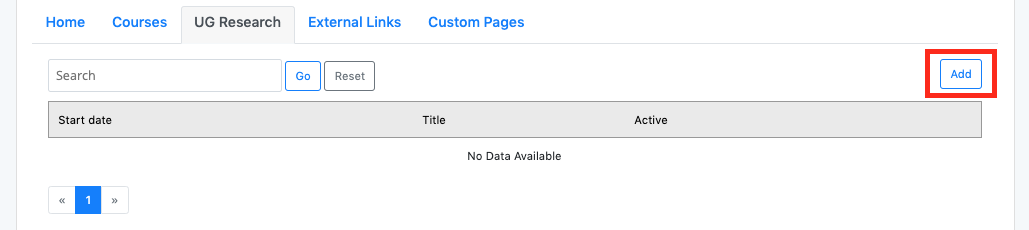
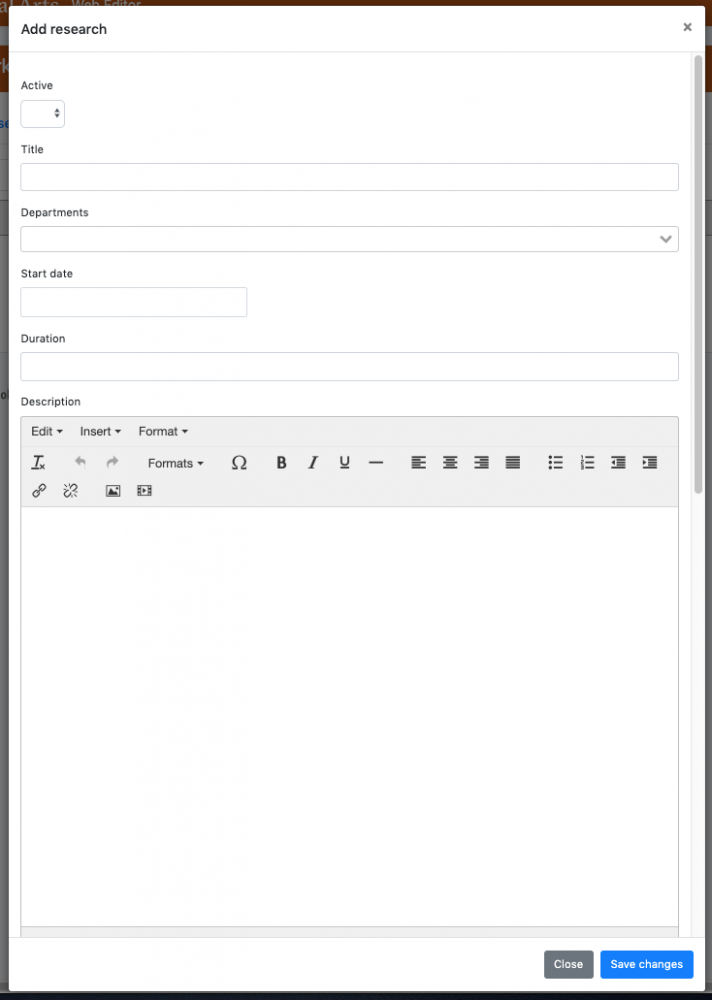
Click on the Add button in the upper right corner. You should see a edit window. You can edit the research information as you wish. Don’t forget to save changes.