
Editing the Contact Info
This caption describes the image above.
Step 1: Access the Profile Edit Page
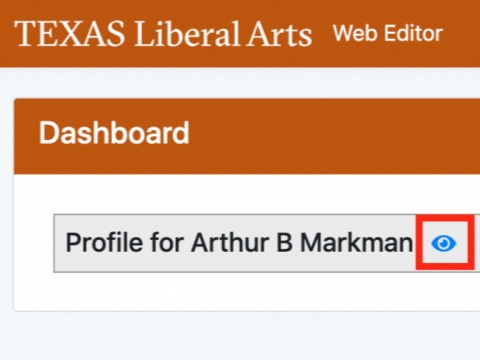
Click on the blue eye icon on your Dashboard.
Step 2: Edit Contact Information
On the Home tab, edit or update the available fields. The information on this page is shared across the college and will appear in your profile for every unit with which you are affiliated. Remember to click the blue "Save Data" button.
This caption describes the image above.
Step 3: Edit Category Information
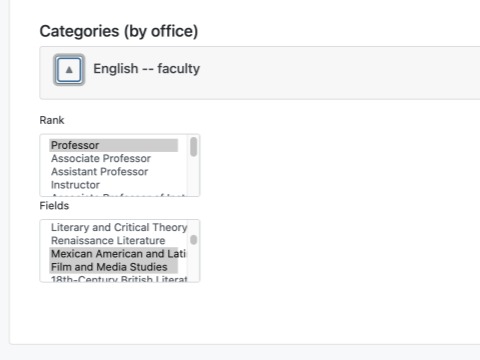
Under each affiliation dropdown in the "Categories (by office)" section, you can pick one or more categories for your profile. These categories are used for filtering and sorting profile lists on the website.
Remember to click the blue "Save Data" button.