
Copying a Page
To copy a page, click the double page 'copy' icon in the top toolbar menu.

This caption describes the image above.
This caption describes the image above.
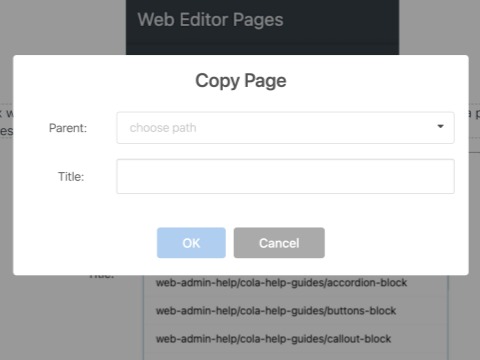
A Copy Page message box will appear. Select the new parent page, enter a title, and click OK. Copying a page will create a new page with a new name and link as specified in the Title field.
The copy page function does not automically copy child pages.
The new (or copied) page is unpublished. It will not be visible on the site until you make any necessary edits and publish it.