
Unit Homepage Templates
The four unit homepage template options are designed to provide a consistent look and feel for the College's websites. The four templates offer a variety of block options for different sets of content. The blocks in each template are 'locked' and cannot be hidden or reordered. You will continue to have full control over your content and editing options.
The News Highlights, Events Highlights, and Book Highlights blocks will not display if there are not news posts, events, or books for the unit.
You can switch between templates using the Change Template icon on the top right of the page.
These templates will not transfer blocks from the previous template to the new template that are not specified in the new template. (For example, if the site currently uses a Text with Image block and the new template does not include a Text with Image block that content will not be included in the new template.) To move that content to a new block, you should copy and paste it from the currently public page before publishing the page with the new template.
Template Layouts
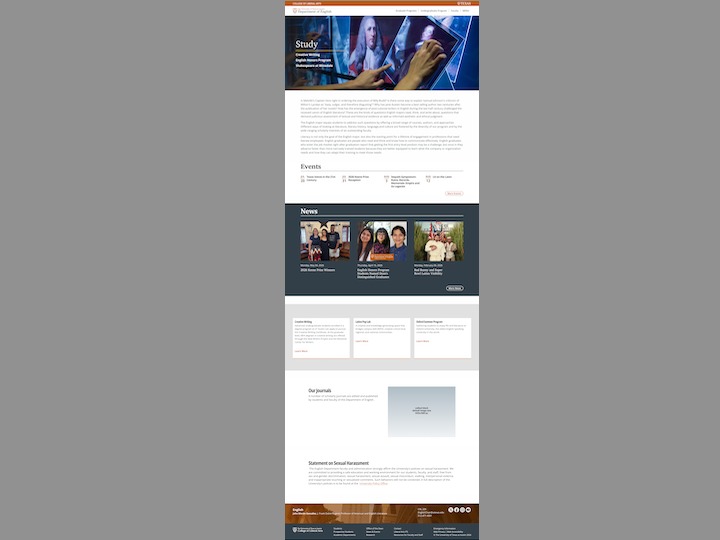
This caption describes the image above.
Unit Home Uno
- Hero
- Text
- Events Highlights
- News Highlights
- Cards
- Callout
- Callout
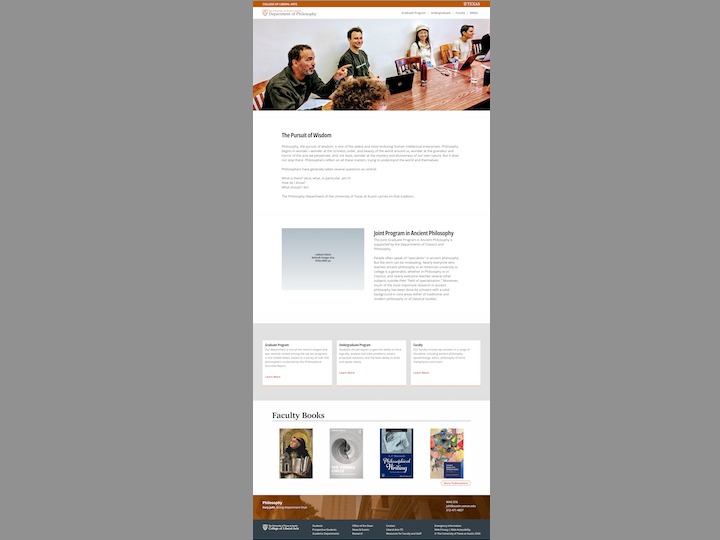
This caption describes the image above.
Unit Home Dos
- Hero
- Callout
- Callout
- Cards
- Events Highlights
- News Highlights
- Books Highlights
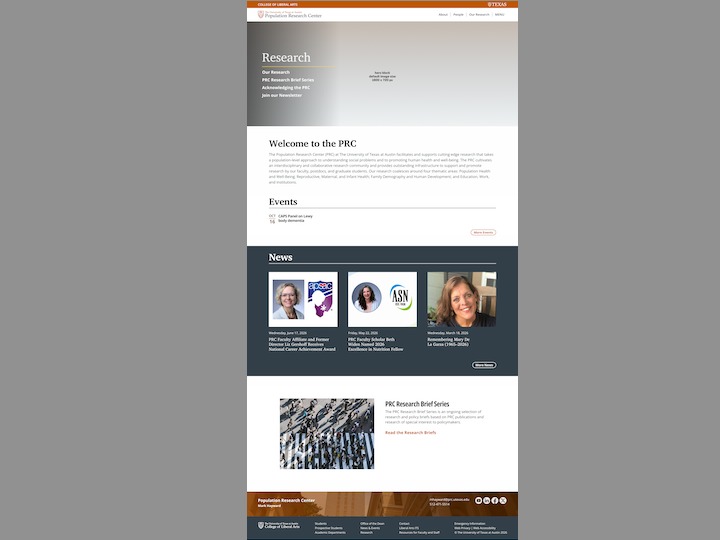
This caption describes the image above.
Unit Home Tres
- Hero
- Text
- Events Highlights
- News Highlights
- Callout
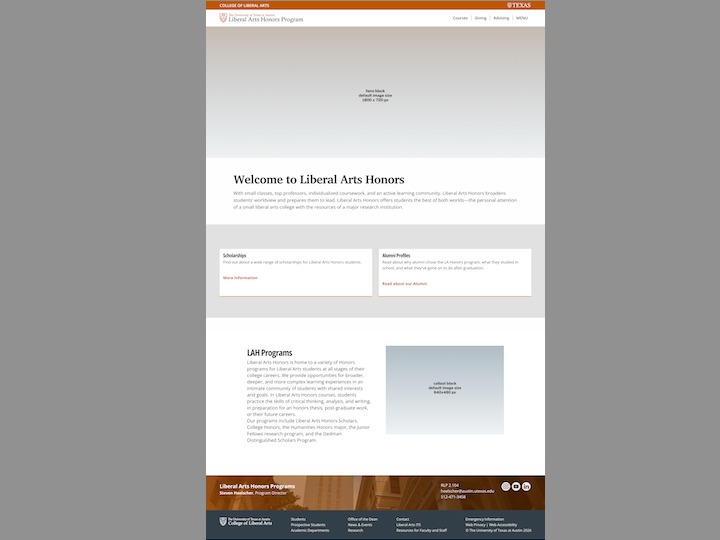
This caption describes the image above.
Unit Home Cuatro
- Hero
- Text
- Events Highlights
- News Highlights
- Cards
- Callout
- Video