
News Highlights
The News Highlights block displays the headlines and summary of the unit's most recent news articles. The first article also displays the image. The "News" heading is included in the block by default. If the unit has no current news posts, the block will be blank.
News Highlights is a data block. The content of data blocks is edited and managed in Web Editor and not directly in Pages. You can manage the content for this block in the unit's News section and the block will auto update as you make changes. More information about managing News and Events pages is available in the News and Events section of the COLA Web Help Guides.
The news image size is 600px x 480px (5x4).
Settings
- Division: the unit that the feed is sourced from. This setting defaults to the current unit but can be edited to a different one.
- More: add or hide the "More News" link
- More Url: link to the unit's News page
- Max Items: display 1, 2, or 3 news posts
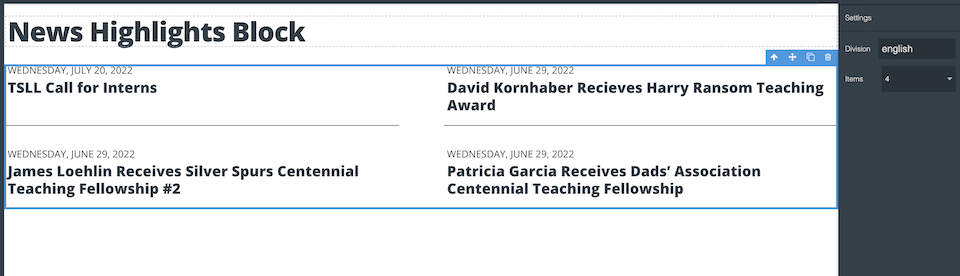
News Highlights Settings
updated February 20, 2024